You haven't signed in yet, you can have a better experience after signing in
*Please complete the payment within {{receiveCouponInfo.expire_at}}Previous use*
You haven't signed in yet, you can have a better experience after signing in



Activity Rules
1、Activity time:{{ info.groupon.start_at }} ~ {{ info.groupon.end_at }}。
1、Activity time:cease when sold out。
2、Validity period of the Group Buying:{{ info.groupon.expire_days * 24 }} hours。
3、Number of Group Buying:{{ info.groupon.need_count }}x。
Please Pay Attention
1、Teamwork process: Join/initiate a Group Buying and make a successful payment - Within the validity period, the number of team members meets the activity requirements - Group Buying succeeded!
2、If the number of participants cannot be met within the valid period, the group will fail, and the paid amount will be refunded in the original way.
3、The number of people required and the time of the event may vary among different products. Please pay attention to the rules of the event.

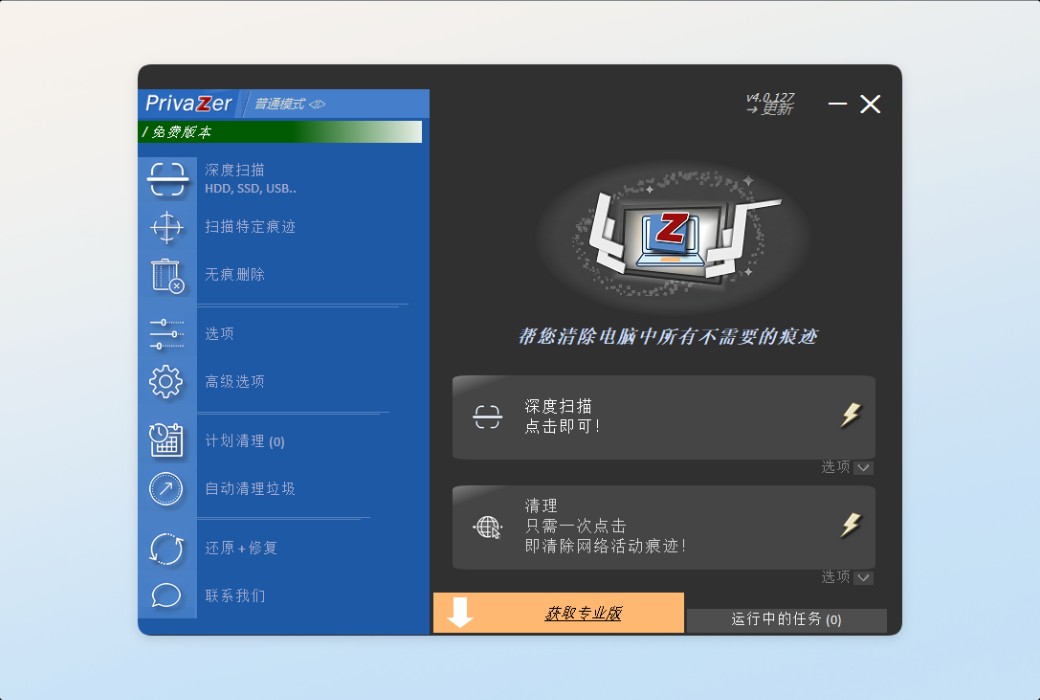
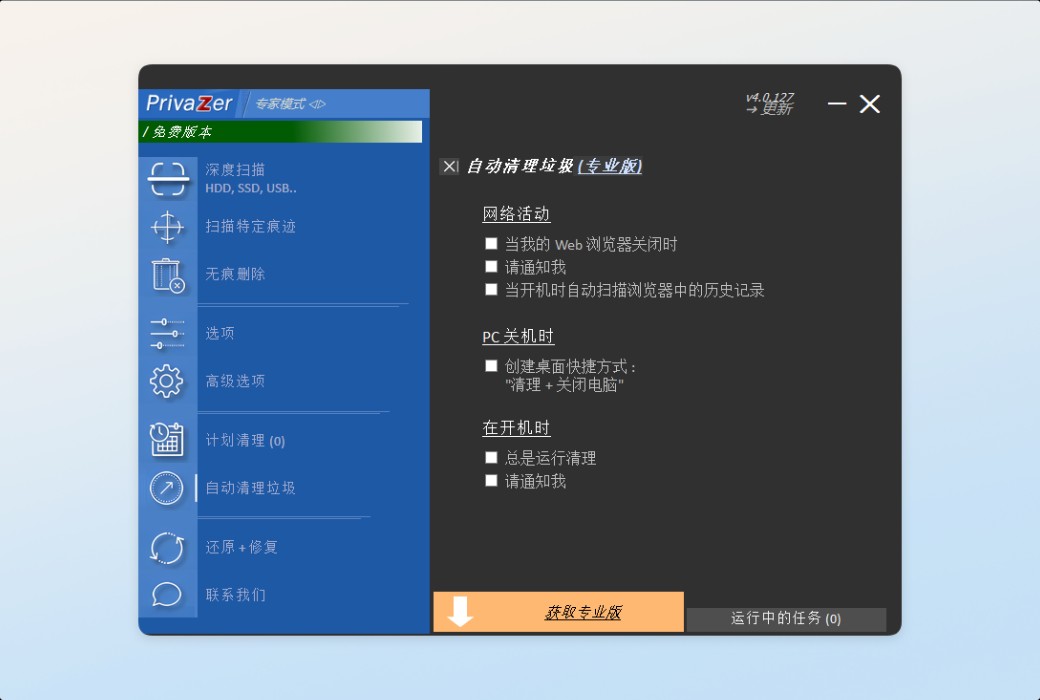
PrivaZer Computer Cleaning Tool& Privacy Protection Tool - Clear Unwanted Traces!
You can accurately see which files can still be recovered
Relevant records in your work or family
Deeply clean up unnecessary historical records
All your operation records (such as watching movies, downloading, deleting, etc.)
Take control of your own information security; Freedom
Free up disk space to keep your device healthy and safe at all times!!!
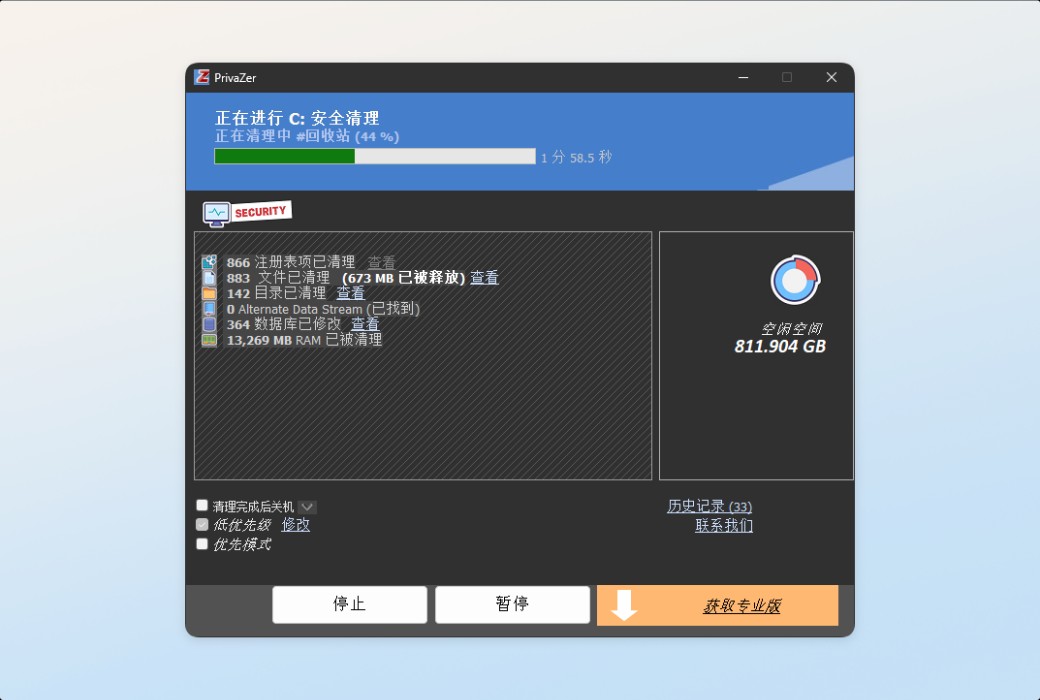
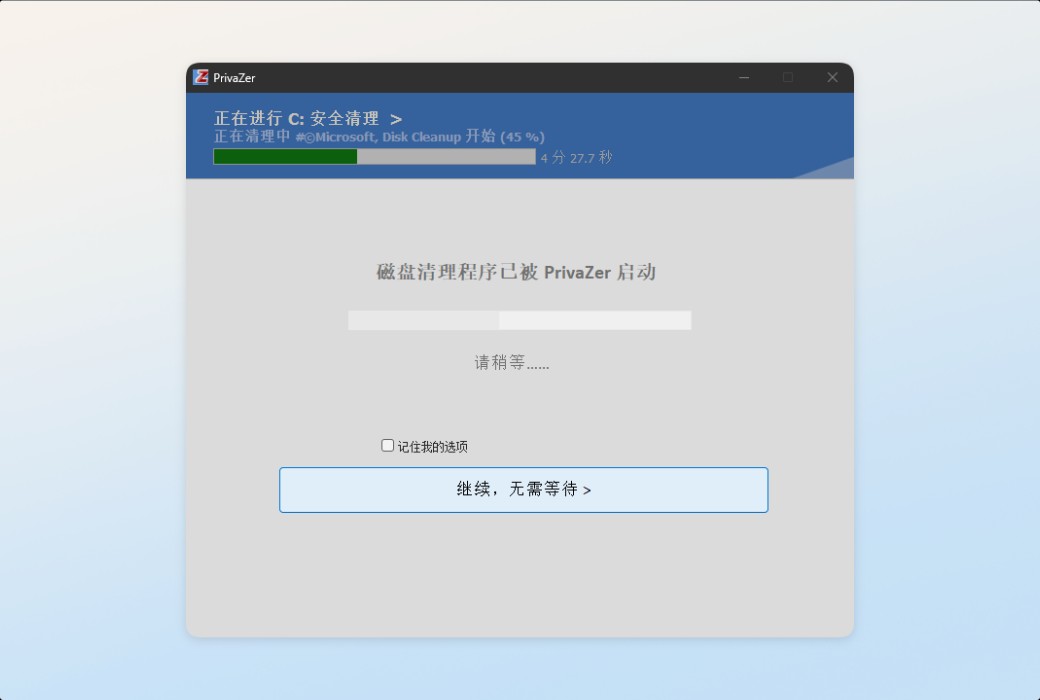
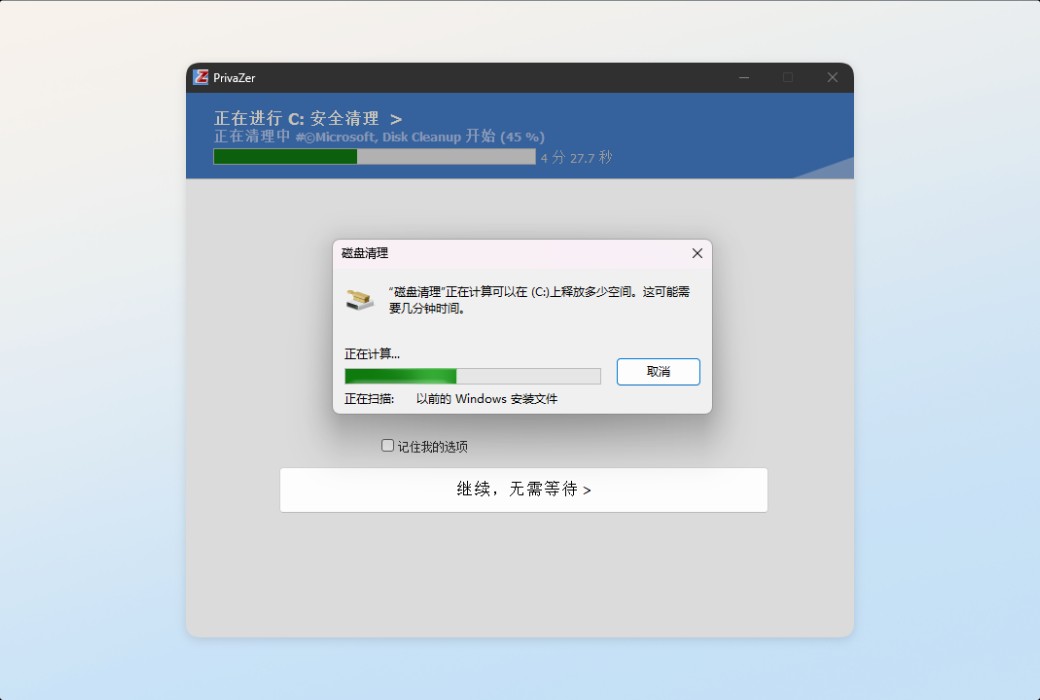
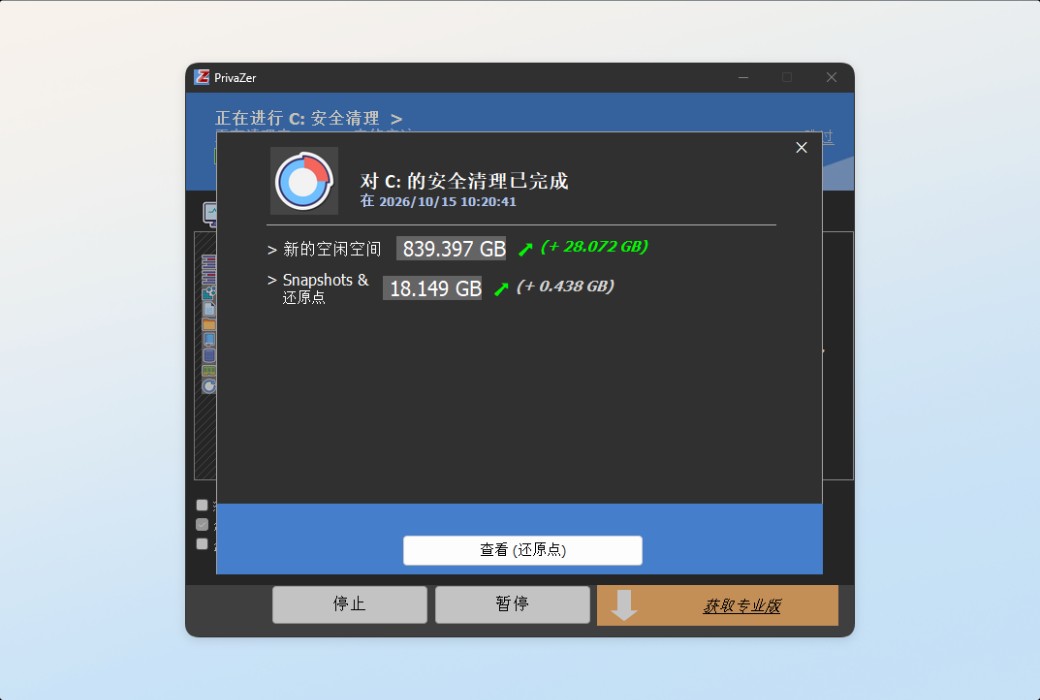
Security cleaning, only one click required
Cleaning and deleting techniques for unrecoverable data
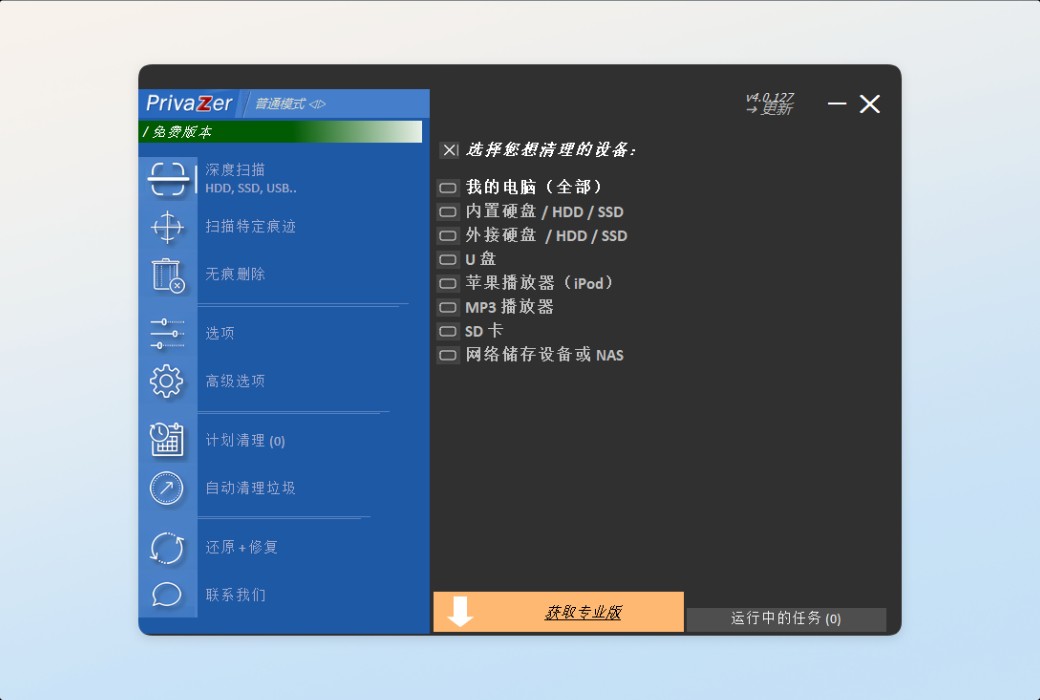
Deep Clean
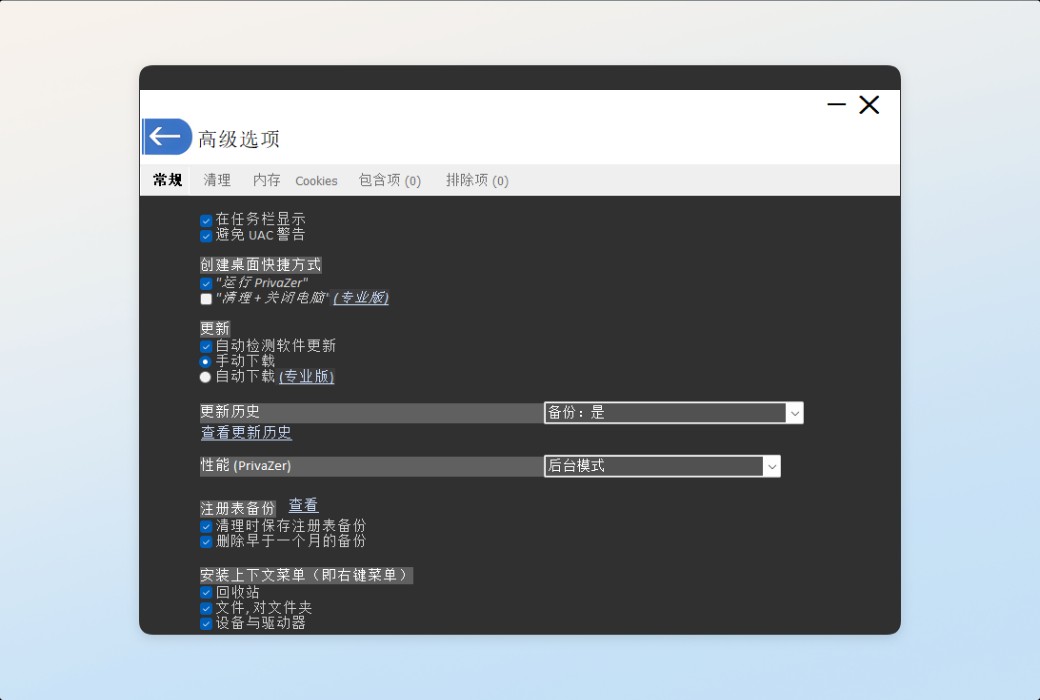
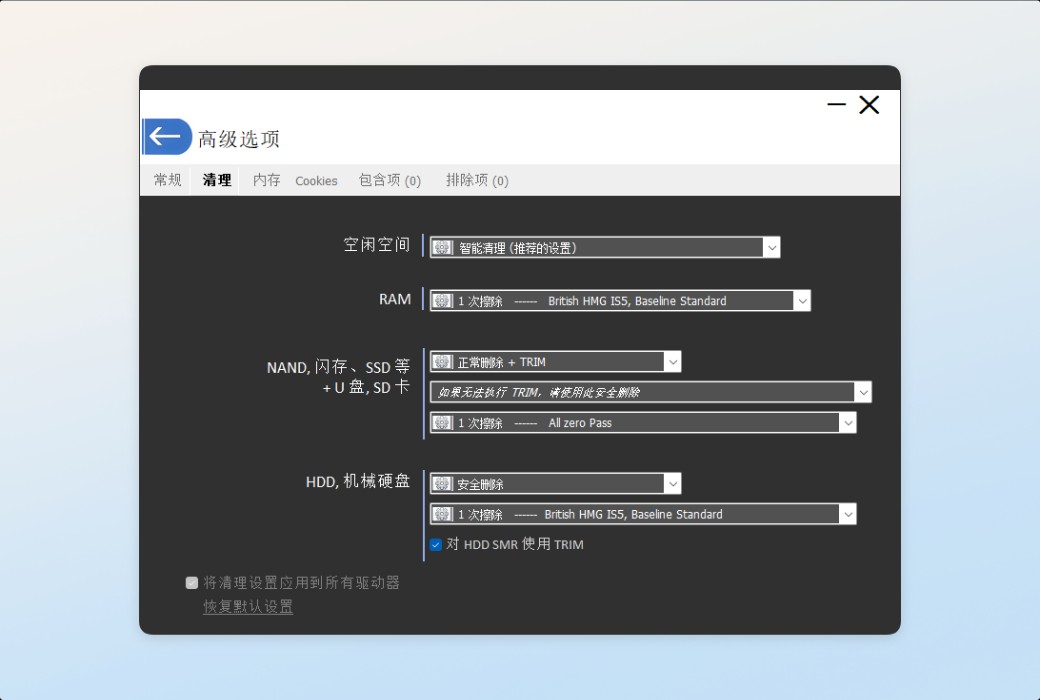
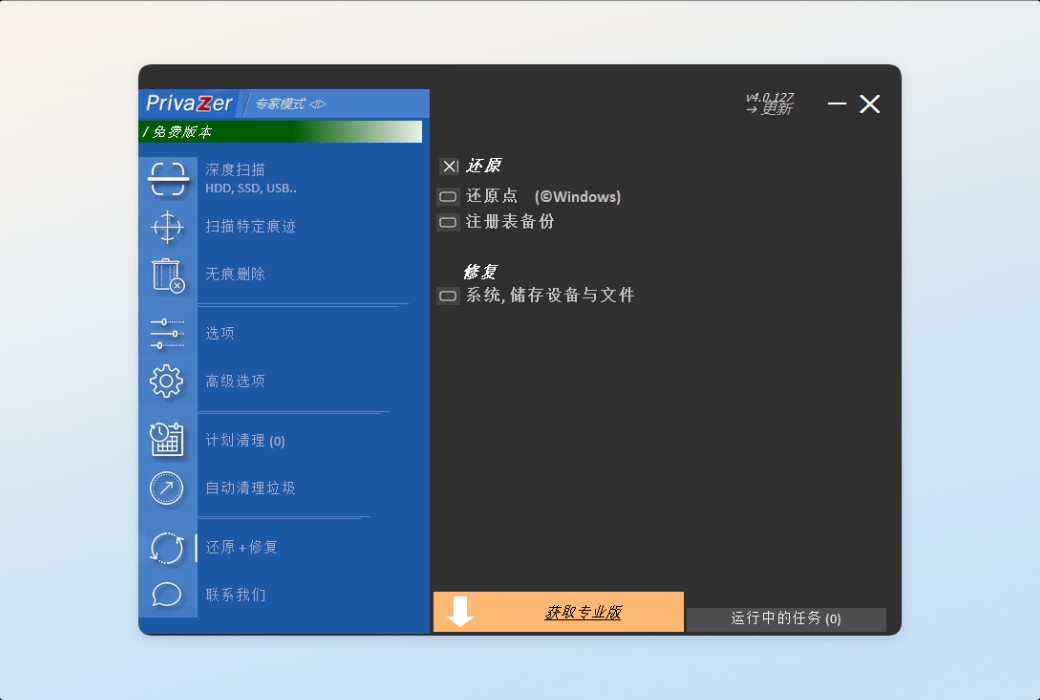
PrivaZer can automatically recognize your storage device type (USB flash drive, solid-state drive, etc.) and adjust its data erasure algorithm accordingly.
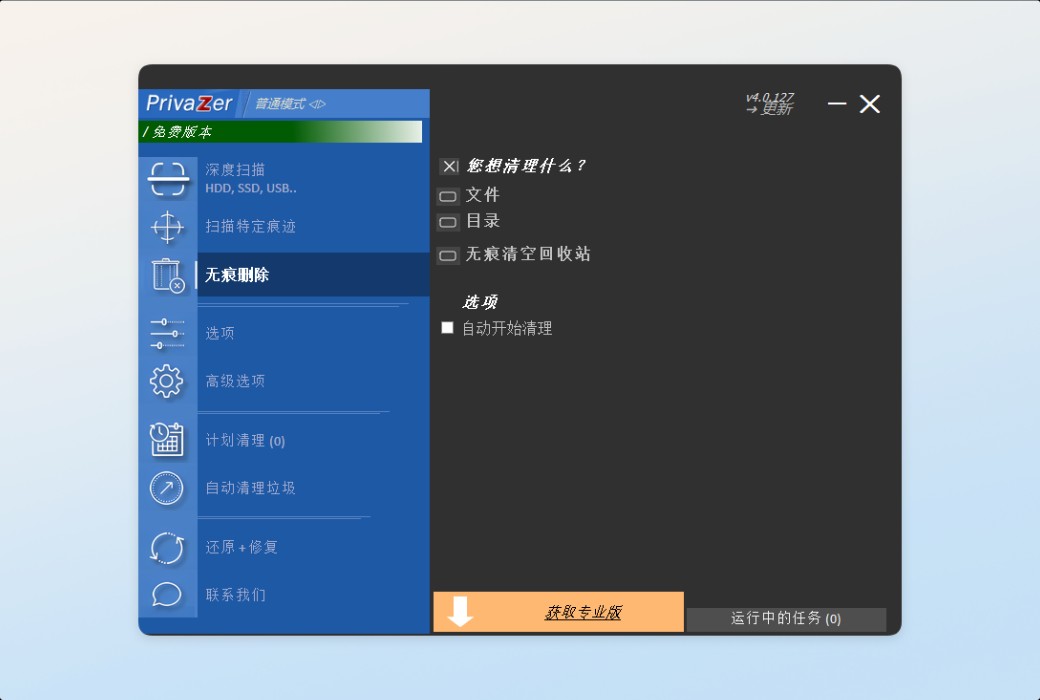
Privacy Protection
PrivaZer can prevent your activity history from being restored by software.
Do you know what's inside your disk?
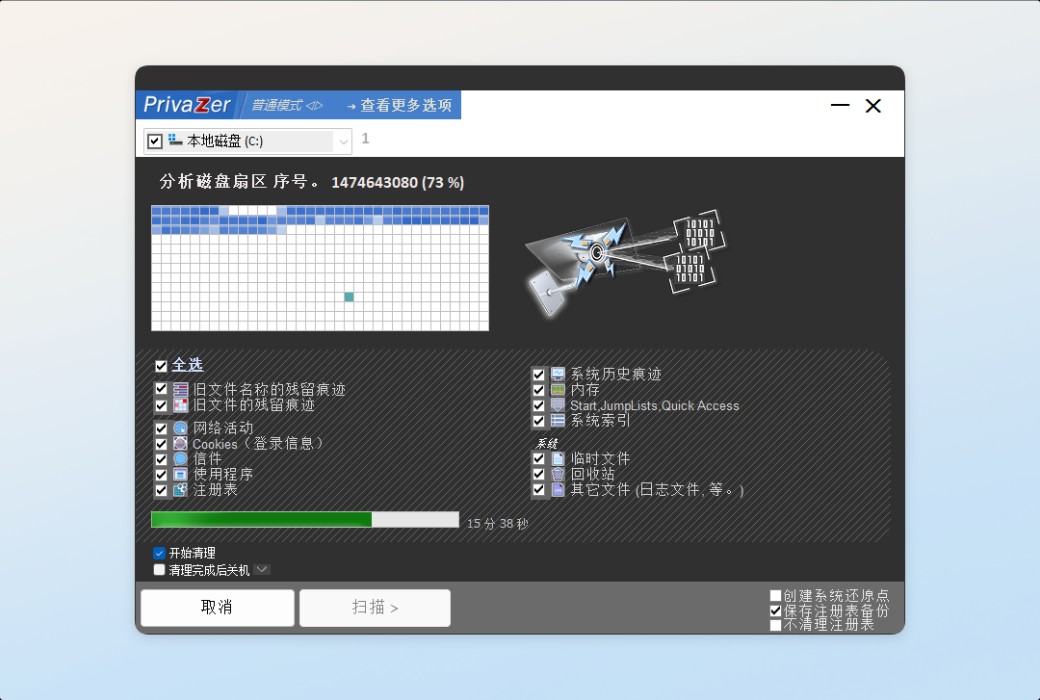
+Visualize residual traces of old files in idle space
+Automatically clear free space
+Clean up residual traces in free space that need to be reset to 0
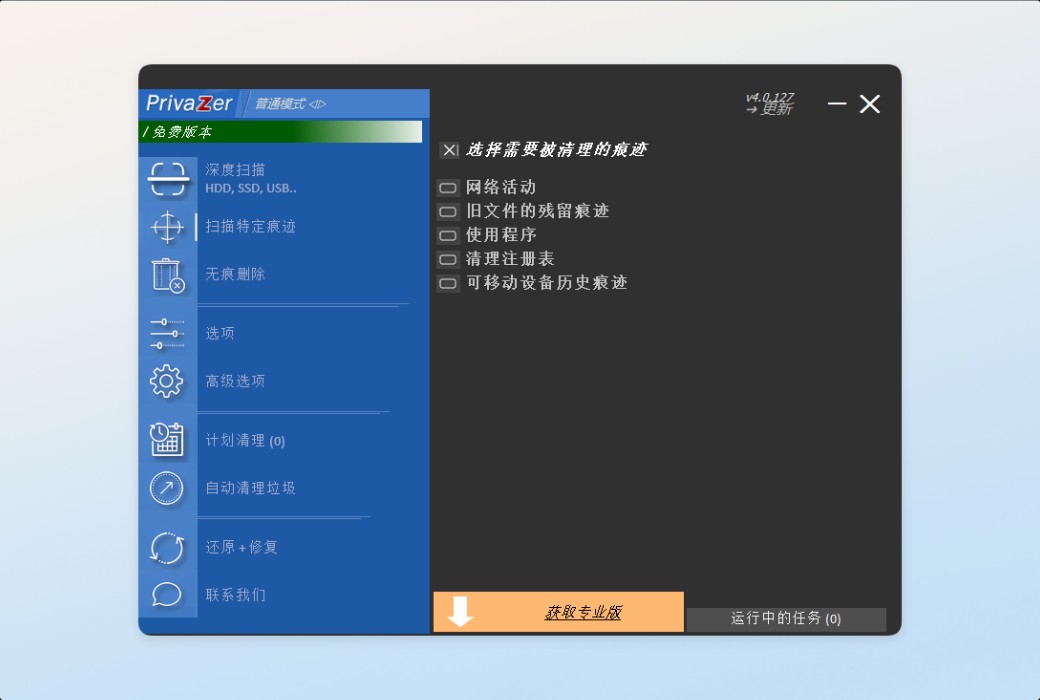
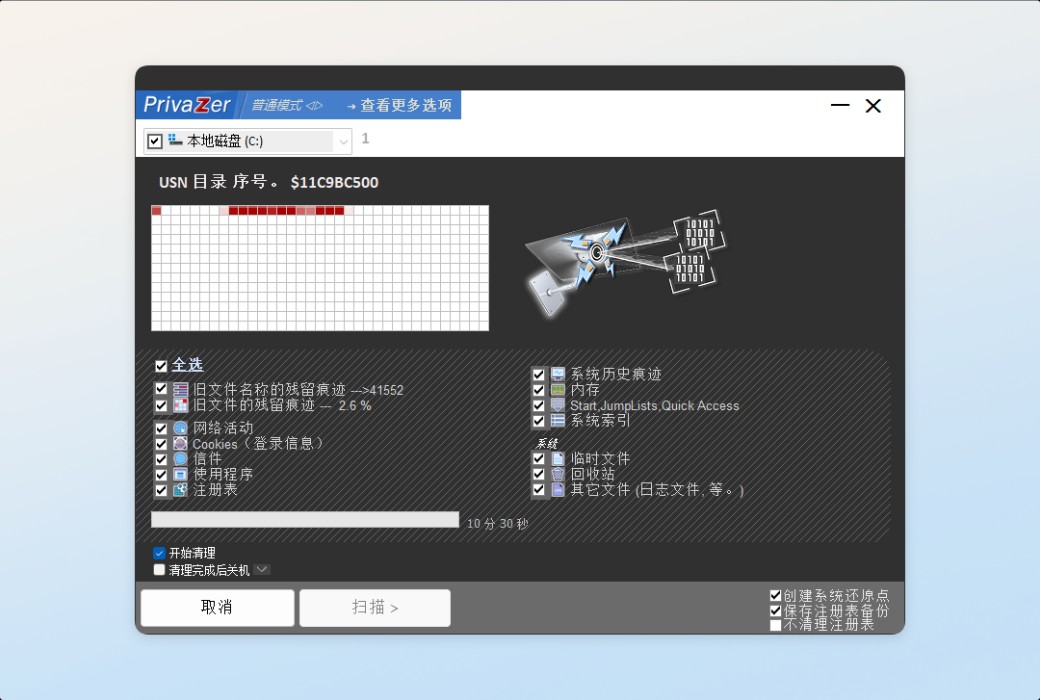
Do you know if you have any other activity history records?
When you use a computer (at home or at work), whether it's browsing the web, watching videos, or downloading, copying, or deleting files; When installing, uninstalling, or using software, you will always leave behind various historical records and sensitive personal information.
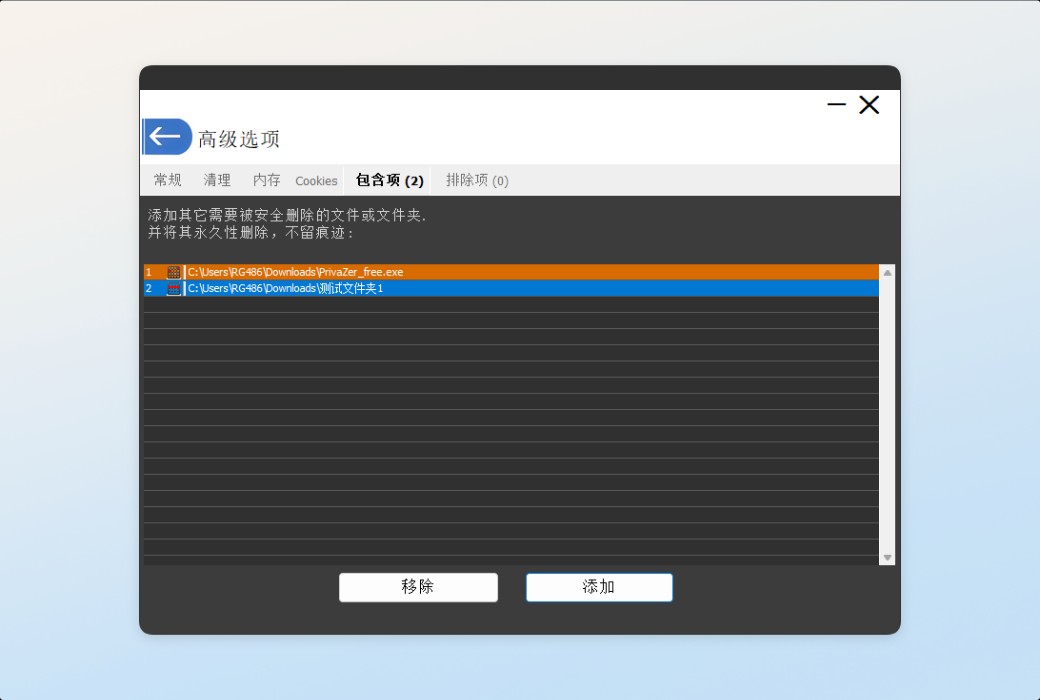
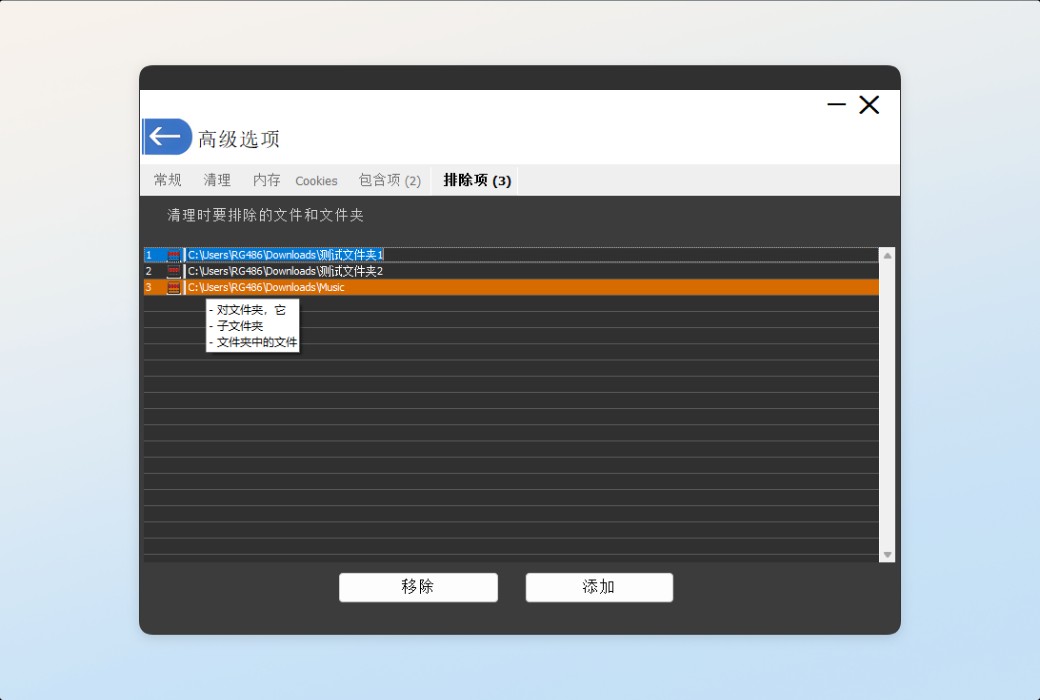
PrivaZer can clean and delete historical activity records that you do not want to keep.
Official website:https://privazer.com/zc/index.php
Download Center:https://privazer.apsgo.cn
Shipping time:24-hour automatic shipping
Operating Platform:Windows
Interface language:Supports Chinese interface display and multiple language options.
Update Description:Support one-year free updates.
Trial before purchase:Free trial is available before purchase.
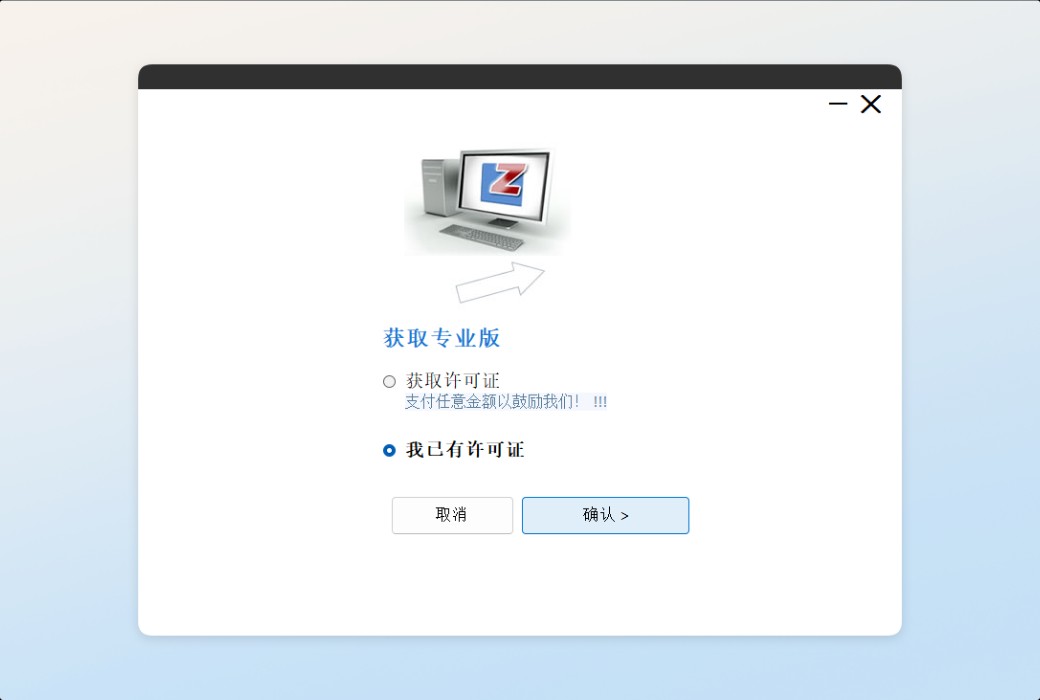
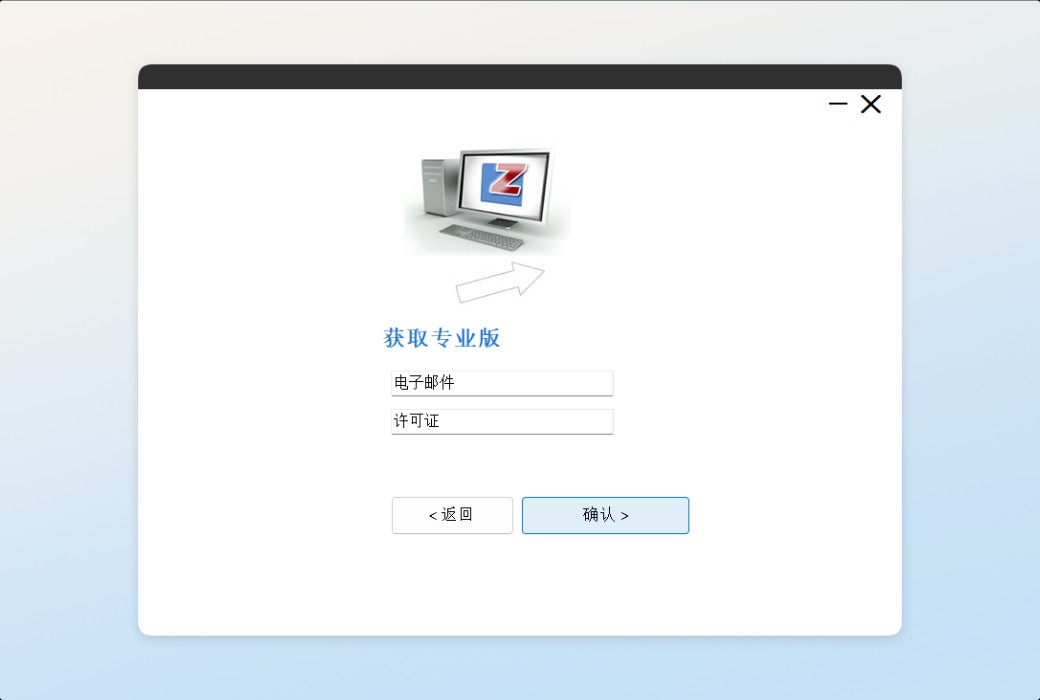
How to receive goods:After purchase, the activation information will be sent to the email address at the time of placing the order, and the corresponding product activation code can be viewed in the personal center, My Orders.
Number of devices:Can install one computer.
Replace computer:Uninstall the original computer and activate the new computer.
Activation guidance:To be added.
Special note:To be added.
reference material:https://privazer.com/zc/index.php

Any question

SRUM: System Resource Usage Monitor
It is a feature of Windows that records the CPU, network, and energy consumption of each program on an hourly basis
Its main purpose is battery reporting and network data usage tracking, but as a side effect, it becomes a detailed diary of all activities that have run on your computer, whether it's starting from the start menu, scripts, or backend services
The data collection is driven by the Diagnostic Policy Service (DPS), which periodically queries running and recently run processes and writes the results to the database
Due to its independent operation from the resource manager, SRUM is able to capture programs that are completely missed by other traces (such as UserAssist), and data can be retained for weeks
It is stored in the form of an ESE database (the same engine used for Windows search)
Located at C: \ Windows \ System32 \ sru \ SRUDB.dat,
The data category it tracks is configured in HKLM \ SOFT \ Microsoft \ Windows NT \ CurrentVersion \ RUM \ Extensions